
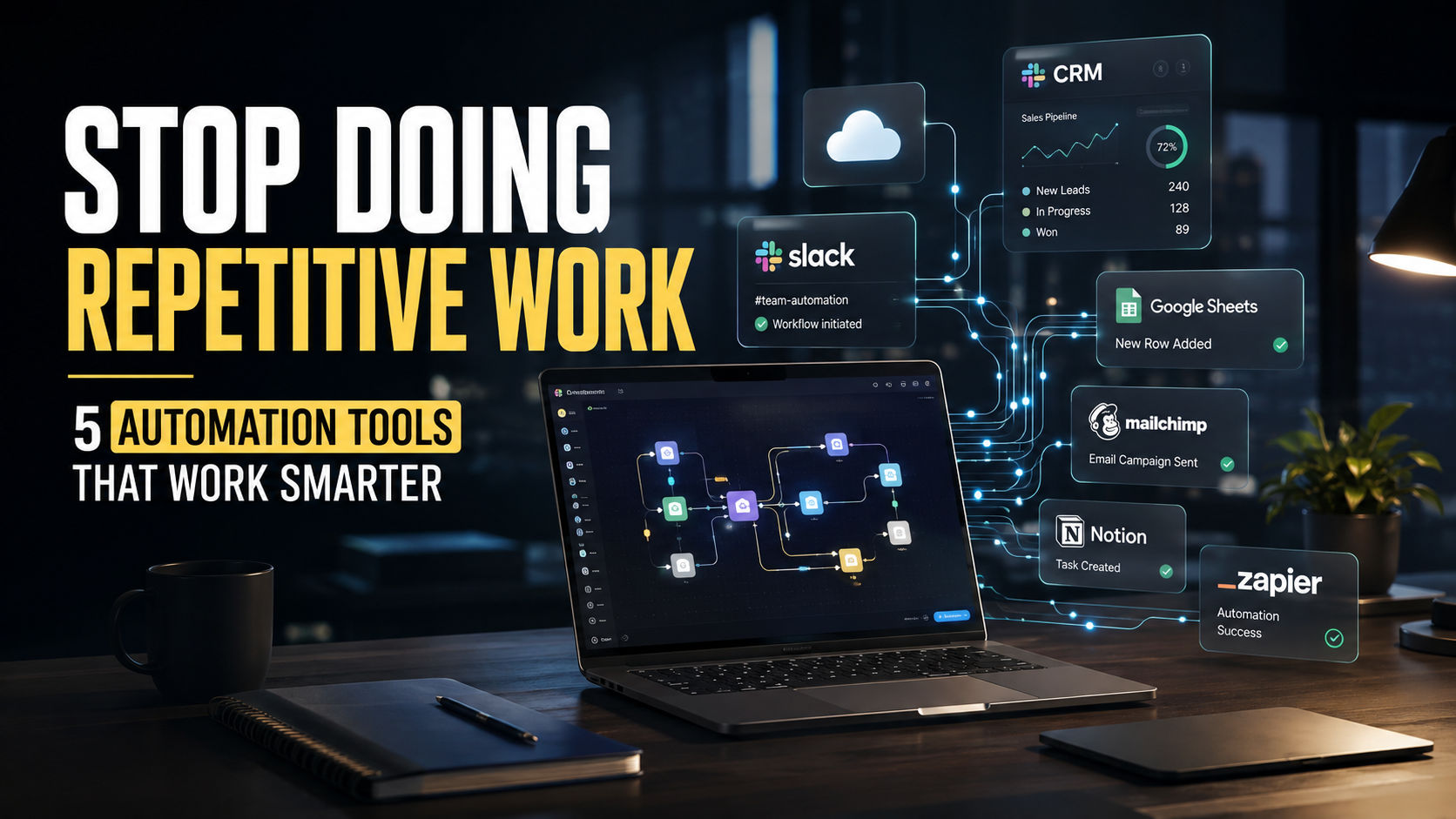
There is a point in every growing business when “getting things done” starts to mean doing the same things over and over again.
Copying lead information from one platform to another. Sending the same follow-up emails. Updating spreadsheets. Moving customer data between apps. Creating notifications. Assigning tasks. Generating reports. Checking whether someone has completed the next step in a workflow.
None of these tasks are necessarily difficult. The problem is that they consume time, attention, and energy that could be spent on work that actually requires human thinking.
That is where business automation is changing the way modern teams work.
Automation is no longer something reserved for large enterprises with expensive technology teams. Today, marketers, sales professionals, founders, operations teams, creators, and small businesses can connect their everyday applications and automate repetitive workflows without building everything from scratch.
The goal is not to eliminate people from the workflow. It is to eliminate unnecessary manual work from the workflow.
When the right automation tools handle repetitive processes in the background, teams can spend more time on strategy, creativity, customer relationships, and decision-making. In many cases, a few hours spent designing an efficient workflow can save dozens of hours over the following months.
Here are five automation platforms worth knowing if you want to build a smarter and more efficient digital workflow.
1. Zapier: Connecting the Apps You Already Use
Zapier has become one of the most recognizable names in no-code automation because of a simple idea: your apps should be able to communicate with each other without requiring you to manually move information between them.
Imagine a potential customer fills out a form on your website. Instead of someone copying that person’s details into a CRM, notifying the sales team, creating a task, and sending a confirmation email, an automated workflow can coordinate those actions almost instantly.
Zapier works through trigger-and-action workflows. Something happens in one application, and Zapier initiates one or more actions in another.
For a marketing team, that could mean sending new leads from a form into a CRM. For a content team, it could mean automatically creating a task when an article enters a particular stage. For a small business, it might mean receiving a Slack notification whenever a new customer completes a purchase.
The real advantage is not simply saving a few clicks. It is creating consistency.
Manual processes depend on someone remembering to perform every step. Automated processes can run according to rules you define, reducing the chance that important tasks are forgotten.
2. Make: When Your Workflows Need More Flexibility
Make takes automation a step further with a highly visual approach to building workflows.
Instead of thinking about automation as a simple “this happens, then that happens” process, Make allows users to design more complex scenarios involving multiple applications, conditions, filters, and paths.
That flexibility makes it particularly useful when a business process has several possible outcomes.
Consider an e-commerce company receiving new orders. One workflow could check the order information, identify the customer’s location, route the data to the appropriate system, notify the fulfillment team, update the customer record, and trigger a follow-up communication.
If the order meets certain conditions, the workflow can take one route. If it does not, it can take another.
This kind of visual workflow design can help businesses understand not only what is being automated, but how information moves through their operations.
Make is especially interesting for teams that have outgrown simple automations and want greater control over how different systems interact.
3. HubSpot: Bringing Marketing, Sales, and Customer Workflows Together
HubSpot approaches automation from a broader business perspective.
Rather than focusing only on connecting individual applications, HubSpot combines CRM, marketing, sales, customer service, and automation capabilities within a connected ecosystem.
This becomes particularly valuable when a business has a large number of customer interactions to manage.
For example, imagine someone downloads a guide from a company’s website. That action can become the beginning of a broader customer journey. The contact can be added to the CRM, segmented based on their activity, entered into a relevant nurturing workflow, and eventually passed to a sales representative when their engagement reaches a defined level.
The important part is that automation can respond to customer behavior rather than simply following a fixed schedule.
A customer who opens several emails and visits a pricing page may require a different follow-up from someone who downloaded one resource and never returned.
For growing businesses, this type of marketing automation can help teams manage customer journeys at scale without turning every interaction into a manual task.
The technology does the repetitive coordination. The human team still makes the important decisions.
4. Microsoft Power Automate: Automating Everyday Business Operations
Microsoft Power Automate is particularly relevant for organizations already working heavily within the Microsoft ecosystem.
Many companies rely on tools such as Outlook, Excel, Teams, SharePoint, and other Microsoft services every day. Power Automate allows businesses to connect these systems and automate repetitive processes between them.
Think about a simple internal approval process.
An employee submits a request. The relevant manager needs to review it. Once approved, another person needs to update a record and notify the employee.
Without automation, that process may involve emails, spreadsheets, reminders, and manual updates.
With Power Automate, the workflow can be structured so that each step triggers the next one automatically.
This can be useful for finance teams processing approvals, HR teams managing employee workflows, operations teams handling internal requests, and managers who want fewer administrative tasks appearing in their inbox.
The biggest benefit may not be the dramatic transformation of one process. It is the accumulation of small improvements across dozens of everyday business activities.
Save ten minutes here. Fifteen minutes there. Remove repetitive data entry from another process. Over an entire organization, those minutes can become hundreds of hours.
5. UiPath: Automating Repetitive Digital Work at Scale
UiPath operates in a more advanced area of automation through robotic process automation and intelligent automation.
Instead of simply connecting modern cloud applications, UiPath can help automate repetitive digital tasks that traditionally require people to interact with software interfaces.
This can be particularly useful in industries where employees spend significant amounts of time working with structured processes, documents, systems, and large volumes of information.
For example, an organization might need to collect information from multiple systems, validate records, update databases, generate documents, or process large numbers of routine transactions.
Rather than having employees repeat the same sequence of actions throughout the day, software robots can handle defined parts of the process.
That does not mean every business needs sophisticated robotic process automation. In fact, one of the most important lessons of automation is knowing what not to automate.
A complicated automation for a process that happens twice a month may create more maintenance work than value.
The best candidates are usually repetitive, predictable, high-volume tasks where the rules are clear and the human involvement adds little value.
The Bigger Shift: Automation Is Becoming a Competitive Advantage
The interesting thing about automation is that its biggest impact often happens quietly.
Customers may never know that an automated workflow routed their request to the right team. Employees may never think about the automation that updates a record after they submit a form. A manager may simply notice that fewer tasks are getting stuck.
That is what good automation looks like.
It becomes part of the infrastructure of the business rather than another piece of technology employees have to think about.
For marketers, automation can make lead management and campaign workflows more efficient. For sales teams, it can reduce administrative work and improve follow-ups. For operations teams, it can create more consistent processes. For founders and small businesses, it can provide leverage when there are not enough people to handle every repetitive task manually.
But automation should not be treated as a magic button.
The strongest automation strategies begin with a simple question: Where are people spending time on work that follows predictable rules?
Start there.
Map the existing process before choosing the software. Identify unnecessary steps. Understand where errors happen. Decide which decisions genuinely require human judgment. Then automate the repetitive parts.
Because automating a bad process does not create a better process. It simply makes the bad process happen faster.
Real-Life Example: A Lead That No Longer Gets Lost
Consider a small B2B software company generating leads through its website.
Before automation, a new lead might submit a form and wait. Someone from marketing checks the form submissions later, copies the information into a spreadsheet, sends an email to the sales team, and eventually creates a follow-up task.
If the team receives dozens of leads every day, delays can quickly become a problem.
Now imagine the same process with automation.
A visitor submits the form. The information is automatically added to the CRM. The lead is categorized according to predefined criteria. The appropriate salesperson receives a notification. A follow-up task is created. The prospect receives a confirmation email.
No one had to copy and paste the information.
The salesperson can focus on speaking with the prospect rather than managing administrative steps.
The business has not replaced the salesperson. It has simply removed unnecessary work between the lead and the salesperson.
That distinction matters.
Another Example: Turning an Hour of Reporting Into Minutes
Imagine a marketing manager who spends every Friday collecting campaign numbers from different platforms and putting them into a spreadsheet.
The process might involve exporting data, checking figures, formatting the spreadsheet, updating calculations, and sending the report to management.
The manager may have become so accustomed to the process that it feels normal.
But if the same report takes one hour every week, that is more than 50 hours a year spent on a repetitive process.
Automation can potentially connect the relevant systems, move data into a central location, update calculations, and notify the team when the report is ready.
The manager still needs to analyse the numbers.
That is where human expertise matters.
But instead of spending the first hour preparing the information, they can spend that hour asking better questions: Which campaign performed best? Why did conversion rates change? Where should the budget move next?
That is the real promise of automation.
Less time preparing the work. More time doing the work that matters.
Choosing the Right Automation Tool
There is no single automation platform that is perfect for every business.
Zapier can be a strong choice for connecting everyday applications quickly. Make offers more flexibility for complex visual workflows. HubSpot is compelling for businesses looking to automate customer-facing marketing and sales processes. Microsoft Power Automate can fit naturally into organizations built around Microsoft’s ecosystem. UiPath becomes relevant when businesses need more sophisticated robotic process automation.
The right choice depends on your workflow, technology stack, complexity, budget, and the amount of control you need.
But the bigger decision comes before the software.
Look at your day.
Which tasks do you repeat every morning?
Which spreadsheets do you update manually?
Which emails contain almost the same information every time?
Which customer actions trigger the same internal process?
Which reports take hours to prepare but follow the same structure every week?
Those repetitive patterns are opportunities.
Automation is no longer simply about working faster. It is about designing work more intelligently.
The businesses that understand this shift will not necessarily have fewer people. They may simply have people spending more of their time on work where human judgment, creativity, communication, and strategy create real value.
And that can become a powerful competitive advantage.
“The future of work isn’t about doing more work. It’s about making technology do the repetitive work so people can focus on what only people can do.”